Guide · WooCommerce, PrestaShop, Wix, Square, Squarespace, BigCommerce & Webflow
How to Use One Product Feed for Pinterest, Facebook, Google, and Bing
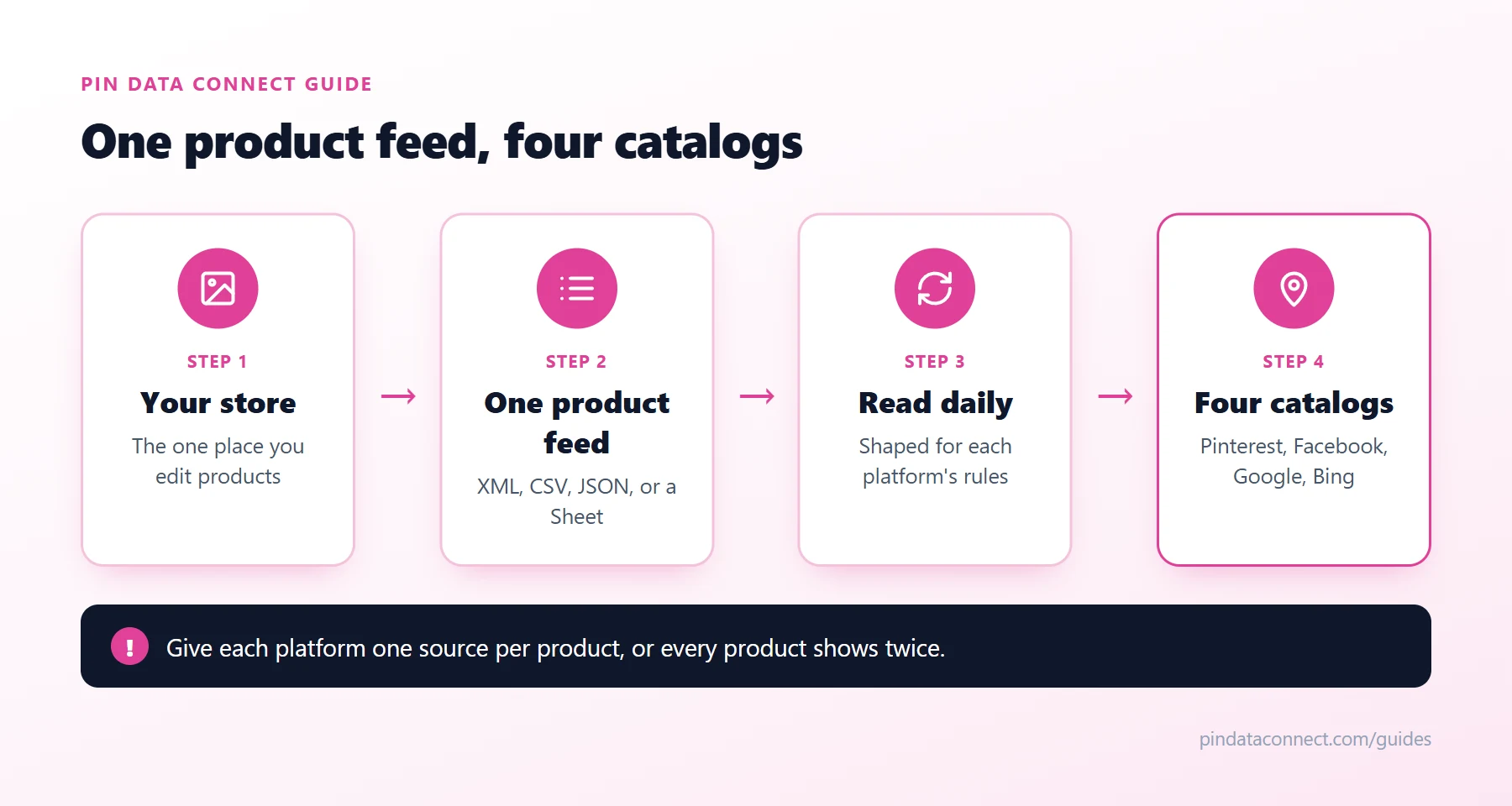
Pinterest, Facebook, Google, and Bing all sell your products from a catalog, and all four read a product feed to fill it. Maintaining four separate feeds means four places to fix every price, every out-of-stock item, every new product.
You don't have to. The four platforms agree on most of a feed, so one product feed - the one your store or plugin may already make - can serve them all. This guide covers what they share, where they differ, and three ways to run one feed for everything.
What all four agree on
Every one of them reads the same core fields, with the same names: id, title, description, link, image_link, price (with a currency), and availability, plus item_group_id for variants and google_product_category for what each product is. A feed with these, kept current, is most of the way to all four catalogs.
Where they differ
- Brand and condition: Facebook requires both on every product; Google expects brand on branded items; Pinterest and Bing treat them as optional.
- Availability values: Google and Bing take underscores (
in_stock), Pinterest and Facebook take spaces (in stock), and Facebook has no preorder value. - Your website: Pinterest wants the domain claimed in Pinterest, Google verified in Merchant Center, and Bing verified through Bing Webmaster Tools - three separate checks of the same domain.
- Category field: Bing calls it
product_category, but it's the same Google list. - Refresh: Pinterest re-reads about daily, Meta on the schedule you pick, Google on your fetch schedule, and Bing expires items that aren't refreshed within 30 days.
Three ways to run one feed
1. Point all four at the same file
Make the file satisfy the strictest rules - brand and condition on every product, availability every platform accepts - and add the same URL in each platform. The simplest option, if your feed tool lets you add those fields.
2. Import between platforms
Bing can import your products straight from Google Merchant Center on a schedule - see How to Import a Google Merchant Feed Into Bing. Pinterest and Facebook still need a feed of their own.
3. A connector that reads your feed once
A connector reads your one feed every day and serves each platform its own copy, shaped for its rules: availability wording, brand and condition, categories mapped once, clothing details filled in. You keep editing products in one place - your store - and every catalog follows.
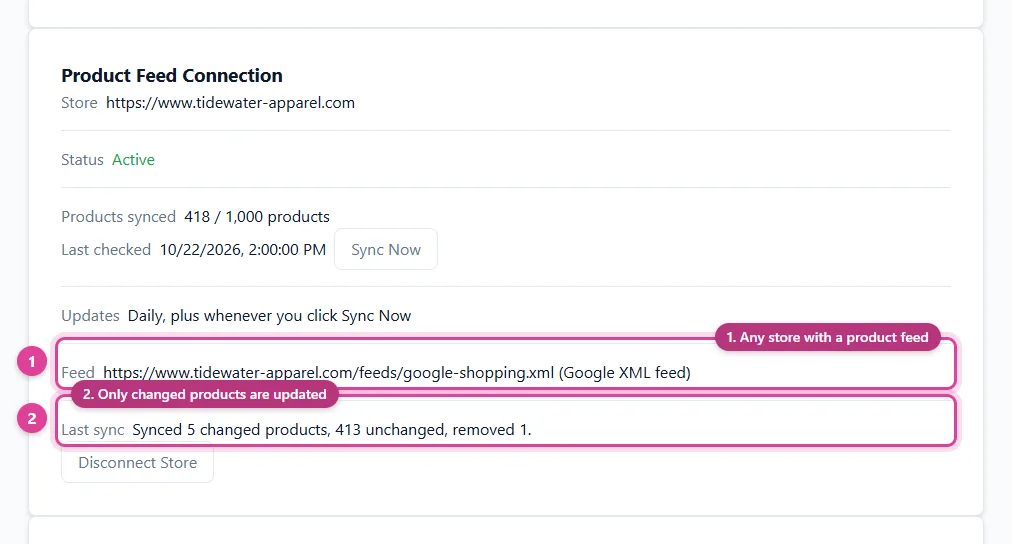
Avoid duplicates
Give each platform one source for each product. If you already send products to Google through your platform's own channel, don't add a second feed of the same products there - send the connector's feed only where nothing else is.
Building your first feed? How to Add Products From Any Website to a Pinterest Catalog walks through the fields from scratch.
Frequently asked questions
Can I use the same product feed for Pinterest, Facebook, Google, and Bing?
Yes, if it meets the strictest rules of the four: brand and condition on every product for Facebook, availability values each platform accepts, and product links on a domain you have claimed or verified with each platform.
Which fields do all four platforms share?
id, title, description, link, image_link, price with a currency, and availability, plus item_group_id for variants and the Google product category, which Bing calls product_category.
How often should a product feed update?
At least daily. Pinterest re-reads a feed about once a day, and Bing removes items that are not refreshed within 30 days.
Will one feed create duplicate products?
Only if a platform gets the same products from two sources. Give each platform one feed or channel for each product.
One feed in, four catalogs out
Pin Data Connect's Store Product Catalog Connector reads the product feed your store already makes - Google XML, CSV, JSON, or a Google Sheet - every day, and builds your Pinterest, Facebook, Google, and Bing catalogs from it, with category mapping and clothing details filled in. One subscription covers all four.
See the Store Product Catalog Connector →
Save this guide for later
Pin it to one of your Pinterest boards so it's easy to find when you're ready to set things up.
Save to Pinterest