FREE Google Product Category Lookup Tool
Search every Google Product Category by keyword and get its full path and numeric ID - ready to paste into your Google Merchant Center, Pinterest, Facebook, or Bing product feed. Free, no account required.
Type what the product is - for example "mug", "dog bed", or "earrings". Every word you type must appear in the category, so use the general name Google uses: "shirts" rather than "t-shirt".
Or browse the top-level categories
Free Google & Bing Feed Guides
See the Lookup Tool in Action
Search by keyword, then copy the full category path and its numeric Google Product Category ID. Click any screenshot to see it full size.
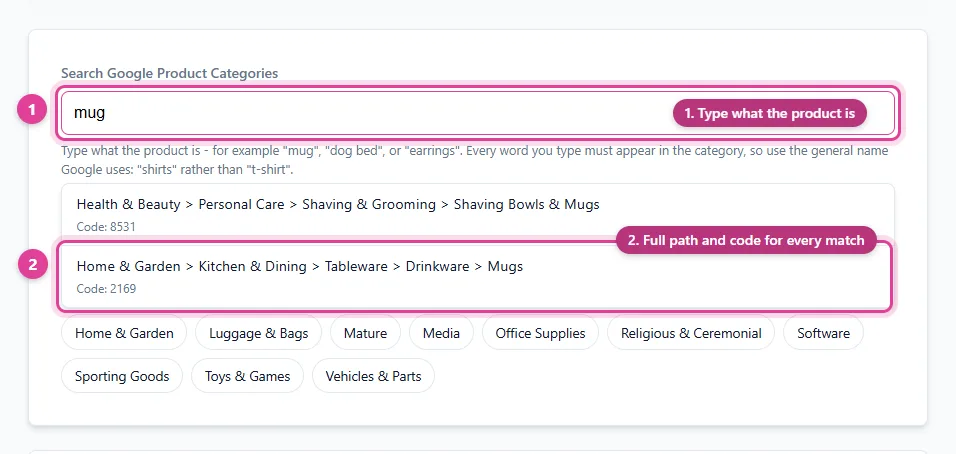
Search all 5,427 Google Product Categories by keyword - every match shows its full path and numeric ID.
- Type what the product is
- Full path and code for every match
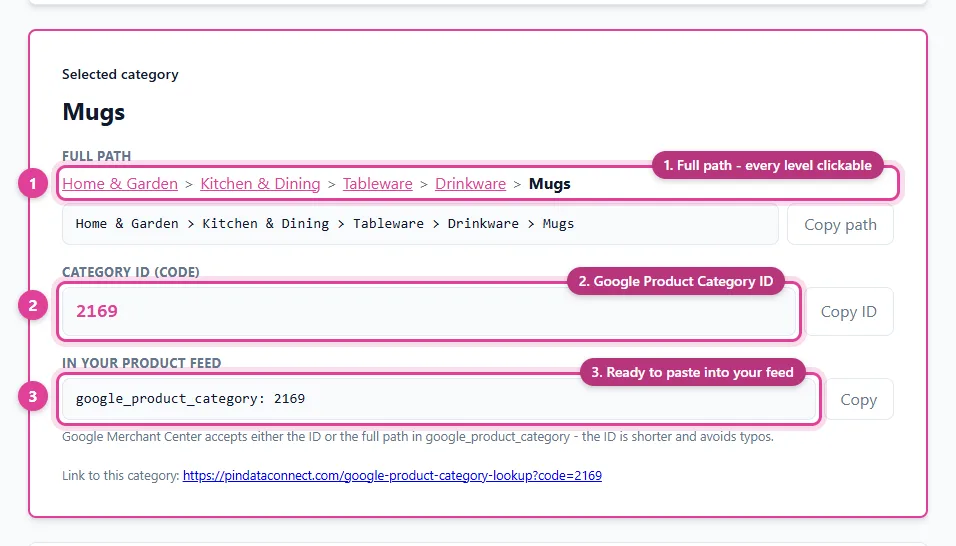
Pick a category to see its full path, its Google Product Category ID, and a ready-to-paste google_product_category line - each with a copy button.
- Full path - every level clickable
- Google Product Category ID
- Ready to paste into your feed
Frequently Asked Questions
What is a Google Product Category?
It's a category from Google's product taxonomy - a standard list of several thousand categories, from broad ones like Apparel & Accessories down to specific ones like Shirts & Tops. Each has a full path and a numeric ID. Product feeds use it to tell a platform exactly what kind of product each item is.
Should I use the category ID or the full path?
Google Merchant Center accepts either the numeric ID (for example 212) or the full path (for example Apparel & Accessories > Clothing > Shirts & Tops) in the google_product_category attribute. The ID is shorter and avoids typos, so it's usually the safer choice. Check your platform's feed specification if you're unsure which it expects.
Which platforms use the Google Product Category?
Google Merchant Center uses it directly, and Pinterest and Facebook catalogs also accept the google_product_category attribute. Microsoft Merchant Center (Bing) catalogs use a product category based on the same taxonomy.
How do I choose the right category?
Pick the most specific category that accurately describes the product. Search for what the product is, not what it's for - for example, search "mug" rather than "gift" - then open the closest match and check its subcategories for a more specific fit.
Is this tool free?
Yes. The lookup tool is free, with no account or signup required.
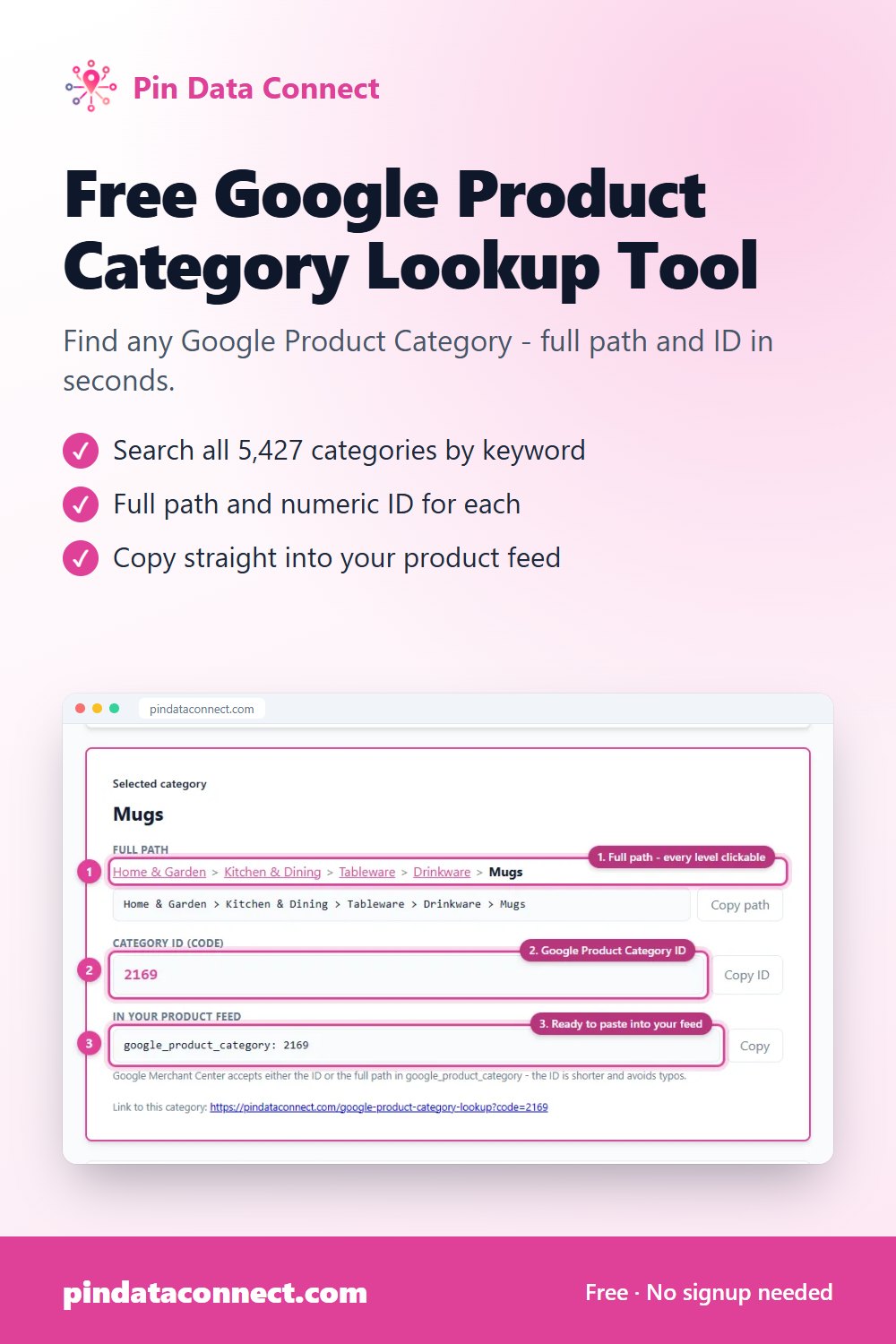
Save This for Later
Planning your product catalog? Pin this to one of your Pinterest boards so it's easy to find again when you're ready.
Save to PinterestSkip the lookup entirely
Pin Data Connect builds your Pinterest, Facebook, Google, and Bing product catalogs with this same category search built into every Add Product page. For Pixels Pro/Fine Art America and Dashery products, the category is chosen for you automatically, and a connected WooCommerce or PrestaShop store only needs each product type mapped once.
See Pricing